Rooms
Haldane Toolkit keeps room descriptions, photos and details together. Publish a room once and reuse it in listings across your site.
These instructions cover the toolkit's Rooms menu. MotoPress uses its own accommodation records. Read MotoPress Hotel Booking if it manages your reservations.
On this page
Add your first room
- Activate Haldane Toolkit, then open Rooms → Add new room.
- Enter the room name and write its description in the main editor.
- Open the room settings sidebar. Set a Featured image and a short Excerpt for listings.
- Open Room details and complete the fields below.
- Choose a room category if you want to filter listings.
- Preview the room, then publish it.
The Room details panel
| Field | What to enter |
|---|---|
| Badge | A short description, such as “Private terrace”. |
| Sleeps | Readable text, such as “2 guests”. |
| Beds | The bed arrangement, such as “1 king bed”. |
| Size | The measurement and unit, such as “35 m²”. |
| View | What the room looks onto. |
| Location | Its position, such as “Upper floor”. |
| Highlights, one per line | One amenity or room feature on each line. |
| Nightly from-price | A number without the currency symbol. An empty or zero price is hidden. |
| Booking URL override | Optional full HTTP or HTTPS booking link for this room. Leave empty to use the shared booking dialog. |
| Room gallery | Images selected from the Media Library. |
Room prices use the currency in Haldane → Booking and the symbol position in Haldane → Prices. They are display prices, separate from the manual seasons in the booking calendar. Changing one does not update the other or your external booking engine.
Room booking URL overrides are direct links, not custom token templates. They take precedence in room cards and the toolkit's Book button when it has a room context.
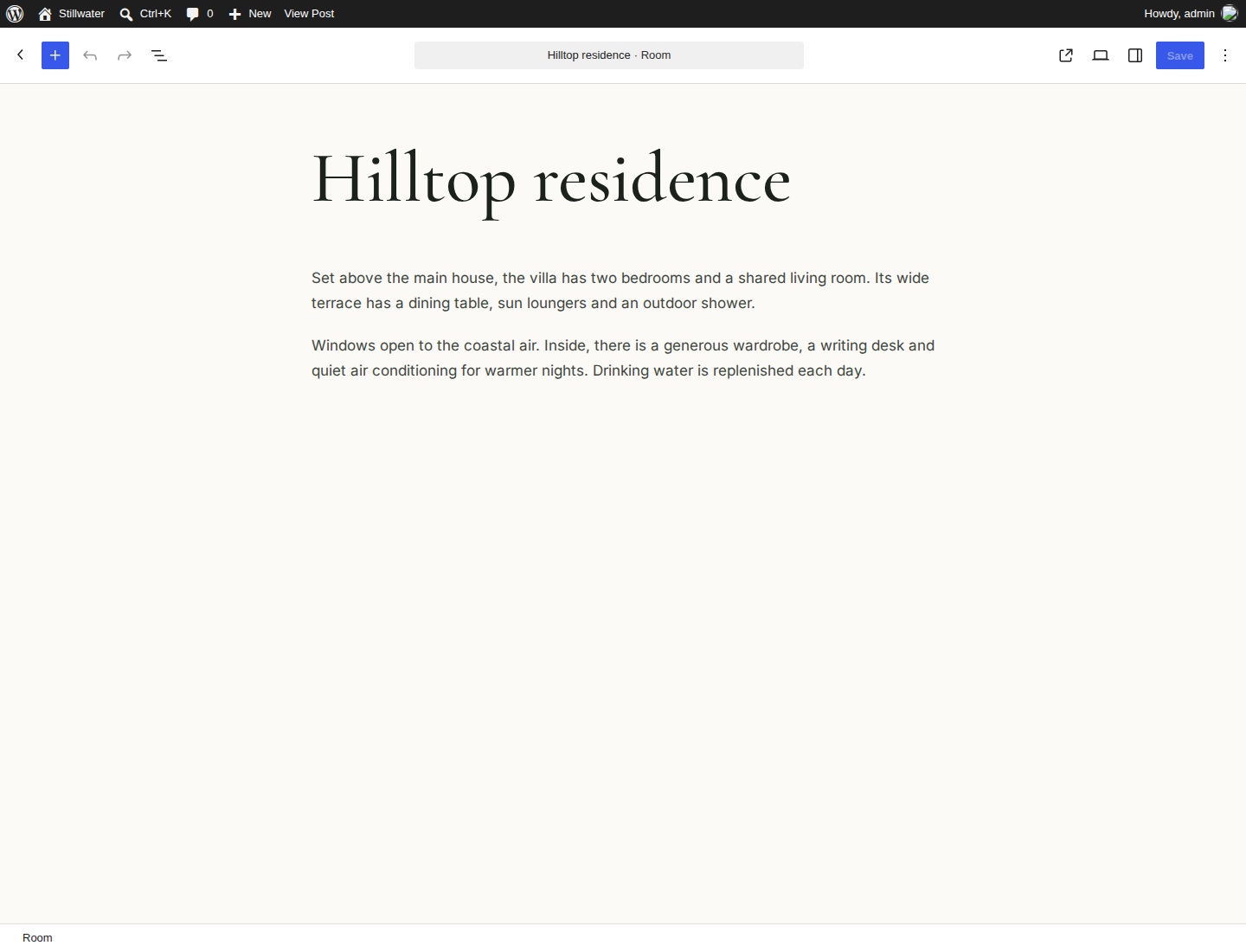
Choose and reorder gallery images
- In Room details, select Choose gallery images.
- Select images from the Media Library or upload your own.
- Use the gallery selection to arrange the images in the order you want.
- Confirm the gallery, then save the room.
Up to 60 image attachments are supported. The featured image is used when the gallery is empty. The Room gallery block shows up to three previews and opens all the images in a dialog. Guests can use Previous photo, Next photo, the arrow keys or a horizontal swipe. Home and End jump to the first and last photo. Escape closes the gallery.
Show rooms on a page
Insert the Rooms block on any page. In its settings, choose Grid, Carousel or Alternating rows. Set the number of rooms from 1 to 24, choose a category and select an order. “Room order” follows the room's Order value; you can also sort by title or date and choose ascending or descending order.
Cards show room images, a short description, facts, a from-price when set, a room-details link and a booking control. Use Exclude current room for an “Other rooms” section in a room template.
- Room facts: the current room's sleeps, beds, size, view and location.
- Room gallery: the current room's selected photos.
- Room price: its nightly from-price.
- Room highlights: its list of amenities.
- Book button: the shared dialog, or the current room's booking URL override.
Individual Room blocks need a current room, such as in a room template or a Query Loop for rooms. They do not let you choose an unrelated room on an ordinary page.
Room templates and URLs
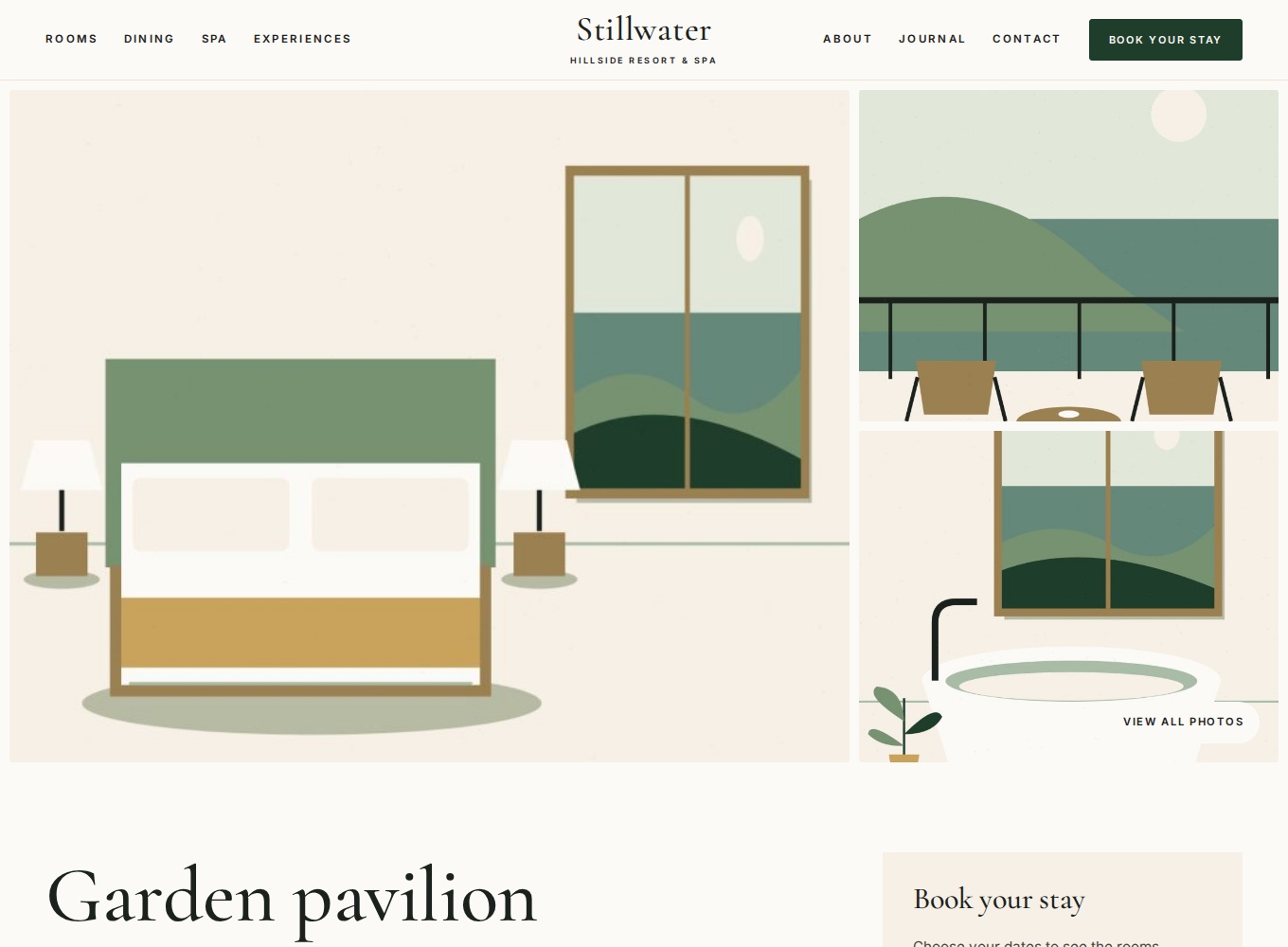
Haldane Toolkit registers Room detail (single-haldane_room) and Rooms archive (archive-haldane_room). Open them in Appearance → Editor → Templates. The detail layout includes a gallery, title, facts, description, highlights, booking card and other rooms. A theme template file with the same name takes precedence.
Individual rooms normally use /rooms/room-name/. The listing is at /rooms/. After demo import, the imported Rooms page takes the place of the archive at that address. Edit that page to change its listing. If a room gives a missing-page error, open Settings → Permalinks and select Save Changes once.
Room categories and bindings
Open Rooms → Room categories to create groups such as rooms, suites or villas. Assign them in each room's sidebar. Categories can be hierarchical and each has a public archive. A Rooms block can show one category or all categories.
For custom layouts, the haldane/room binding source exposes badge, sleeps, beds, size, view, location and highlights to Paragraph and Heading content or Button text. Bind Button URL to booking_url. The binding uses the current room or room Query Loop context. Follow the binding example, changing the source and key.
Deactivating the toolkit keeps room data, but its menus, blocks and public room routes are unavailable until it is active again.
In the Rooms block settings, use Room title heading level to match the page structure. Choose level 2 for a listing directly below the page title, or level 3 when the listing follows a section heading at level 2.